
Support + Help Resources
Need quick answers or direct support? Browse the Knowledge Base, troubleshoot your machine, or submit a support ticket.
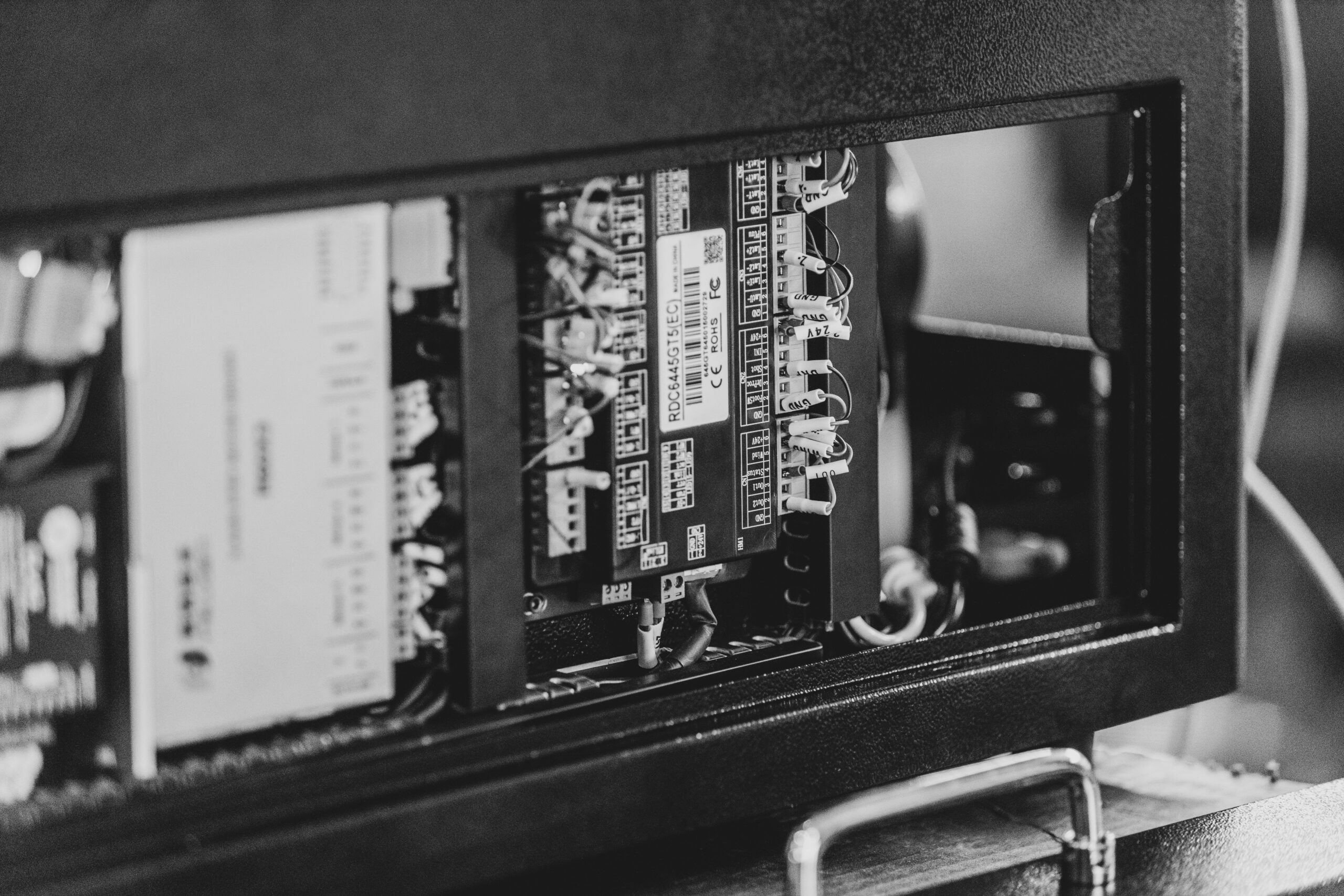
Having trouble with your laser machine? Whether you’re using a fiber laser or a CO2 system, our support team is here to help you diagnose issues, fix common problems, and get your machine back up and running. From software to hardware troubleshooting, we’ll help you get back to clean, reliable engraving.
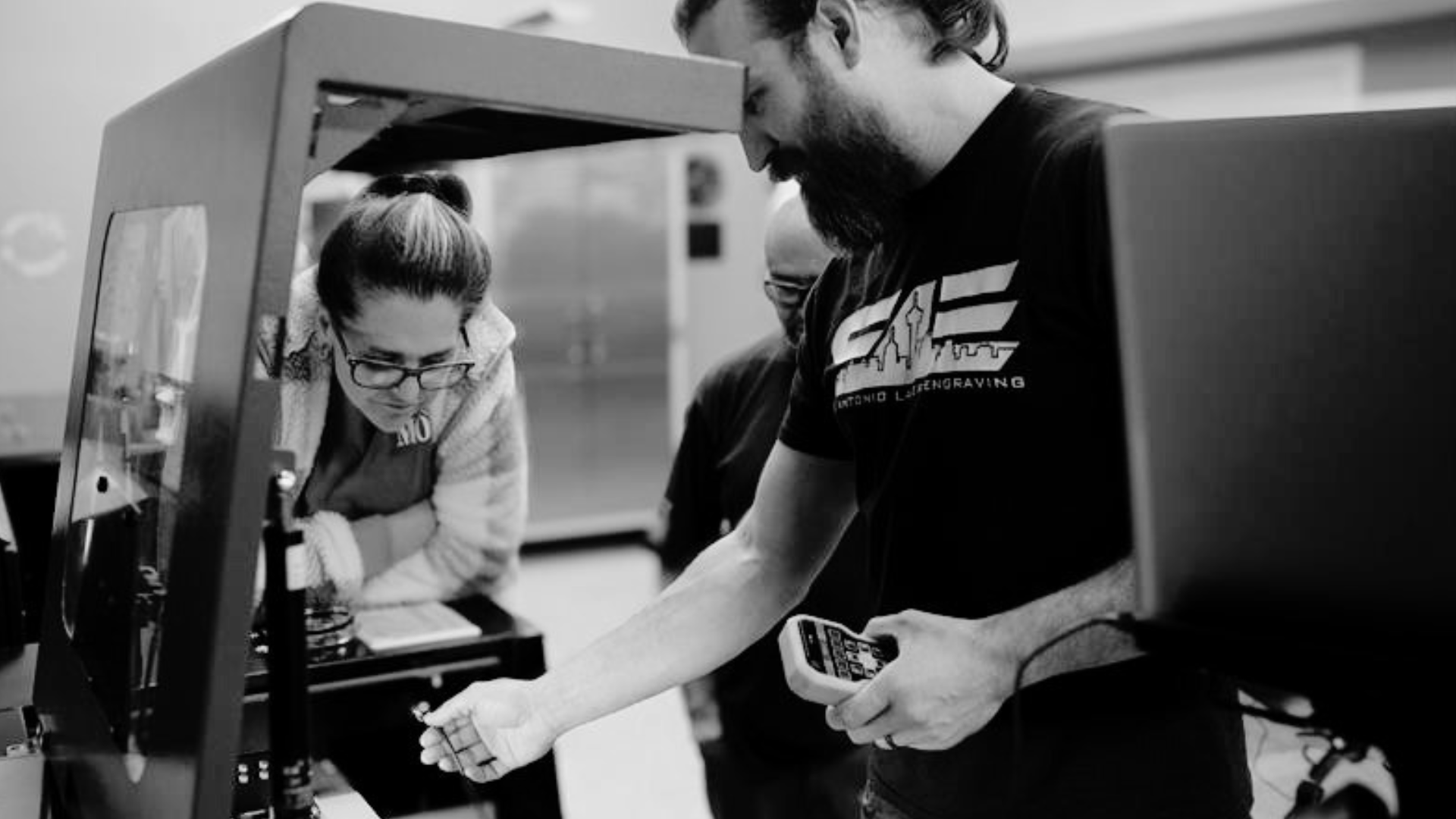
Need a quick solution?
Our Knowledge Base includes troubleshooting guides, setup instructions, maintenance tips, and answers to common CO2 and fiber laser issues. From LightBurn and EZCAD questions to calibration and engraving settings, you’ll find practical resources to keep your machine running smoothly.
Need to Talk to Someone?
Our Texas-based laser support team is available Monday through Friday, 9 AM to 5 PM CST. Whether you need help troubleshooting a machine, submitting a ticket, or getting pointed in the right direction before you start, we’re here to help.
Contact Our Laser Support Team
Need Help? Get Support with LightBurn, Laser Errors, and More
Explore step-by-step guides, setup tutorials, and support articles for solving common issues with your CO2 or fiber laser engraver.
Follow this step-by-step guide to download LightBurn software, install drivers, and configure device profiles for fiber and CO2 laser machines. This ensures a smooth, fast setup so you can start precise laser engraving without delays.
Learn how to adjust your galvo laser’s focal height for sharper engraving, cleaner detail, and consistent beam accuracy. This quick calibration improves engraving precision across all fiber laser jobs.
Create efficient batch layouts in LightBurn using the array tool for CO2 laser engravers. This method improves workflow, speeds up production, and keeps your engraving output clean and consistent.
Follow this detailed walkthrough to configure Ruida controllers for CO2 laser machines using RDWorks or LightBurn software. Proper setup ensures smooth laser operation, accurate motion, and system reliability.
Turn logos and images into laser-ready vector designs with LightBurn’s image trace tool for CO2 engravers. This improves design quality and lets you engrave high-resolution art with precision and ease.
Use this guide to calibrate laser offset settings on fiber or CO2 engravers for precise part placement. Perfect alignment eliminates double lines, misfires, and improves engraving accuracy on multi-pass jobs.
Frequently Asked Questions
To request technical support for your fiber or CO₂ laser engraver, fill out the support ticket form on this page. Include your contact information, machine details, and a brief description of the issue. Once submitted, our support team will review your ticket and get back to you as soon as possible with troubleshooting help or next steps.
We provide technical support for LightBurn and EZCAD. If you’re dealing with software crashes, connectivity problems, driver errors, or your laser isn’t responding, send in a support ticket with detailed info. We’ll help you get your laser engraving software working properly again.
If your laser engraver isn’t firing, homing, or showing hardware-related issues, we’ve got you covered. Include your machine type, model, and a description of the issue in your support ticket. You can also upload a photo or video so our team can better diagnose the problem and guide you to a fix.
Yes! If you’re new to your laser engraver or just need a refresher, we offer user support for CO₂ and fiber lasers. From basic setup to software and rotary operation, our team is here to help. We also offer our SPARK Training program — a 5-day, hands-on course that teaches you everything from machine use to engraving best practices.
We currently provide full technical support only to SA Laser customers. If you purchased your fiber or CO₂ laser from us, you’re covered. For non-customers, we can assist with LightBurn-related issues, but other support services are reserved for SA Laser owners.
For questions about billing, payments, or subscriptions related to SA Laser products or services, call us at 888-964-3568 during business hours. You can also submit a support ticket with your details, and our team will follow up to help.
To get the fastest and most accurate support, include your laser machine model, fiber or CO₂ type, software (like LightBurn or EZCAD), and a clear description of the issue. Uploading a screenshot, error code, or video can also help us troubleshoot faster and get you back to engraving sooner.
Every laser engraver purchased directly from SA Lasers comes with a 1-year limited warranty covering defects in materials and workmanship, including parts and labor. This warranty protects key components like the laser source, power supplies, galvo head, and controller board to keep your machine running smoothly. Consumable parts such as lenses and fans are not covered unless they arrive defective. To learn more about our warranty terms and how we support your laser engraving investment, visit our warranty page.
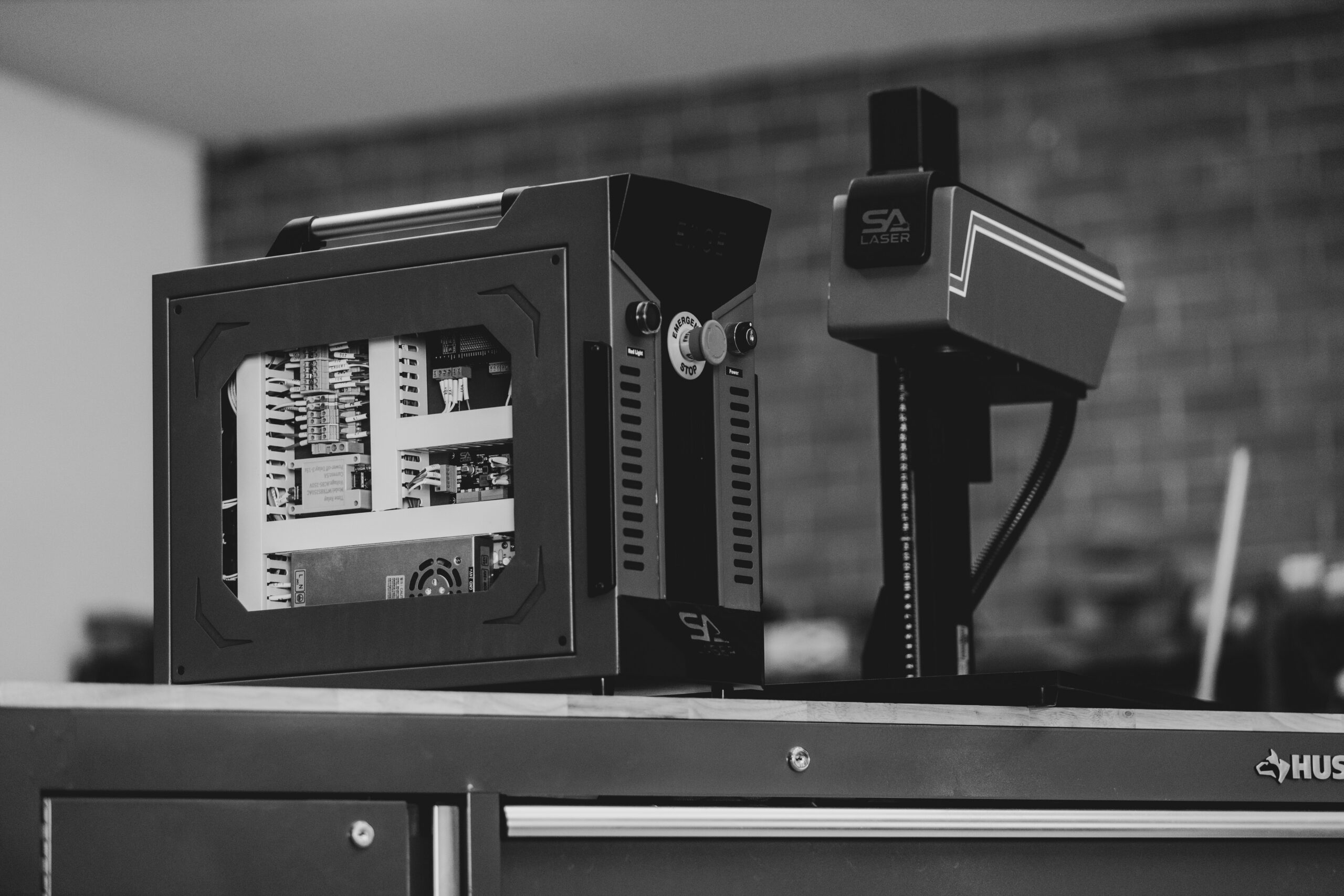
Stay up to date with the newest drivers and software for your fiber and CO₂ laser machines. Our Drivers & Software page provides easy access to the tools you need for smooth setup, optimal performance, and compatibility with popular programs like LightBurn and EZCAD. Keep your laser running at peak efficiency.

Stay connected and compliant with LaserLink, designed to work smoothly with LightBurn and EZCAD software. This tool helps make your engraving projects easier while keeping you aligned with industry standards—perfect for businesses that need reliable performance and peace of mind.